How to Identify Your Access Card Format Before You Reorder
If you need to replace access cards or key fobs but have no idea what format your system uses, you are in the right place. Identifying your card format before placing an order is the single most important step — ordering the wrong format means cards that simply will not read. For most standard 125 kHz proximity systems, American Key Cards supplies compatible replacements programmed to your facility code and card number. For encrypted 13.56 MHz smart card formats that use AES authentication, those credentials cannot be reproduced by any third party, and we will tell you that clearly.
Why Format Identification Matters
Not all 125 kHz cards are interchangeable. Two cards can operate at the same radio frequency — 125 kHz — yet be completely incompatible because the signal encoding between card and reader differs. Some 125 kHz formats use ASK/FSK modulation. Others use PSK (Phase Shift Keying). Others use their own proprietary air-interface protocol. A card designed for one protocol is invisible to a reader expecting another.
The 26-bit Wiegand number you hear about in access control describes the data format sent from the reader to the access panel — not the card-to-reader communication layer. Two cards can both output standard 26-bit Wiegand H10301 data to your panel and still require completely different cards.
This is why identifying your format precisely — not just the frequency — is essential before ordering.
Step 1: Look at the Card You Already Have
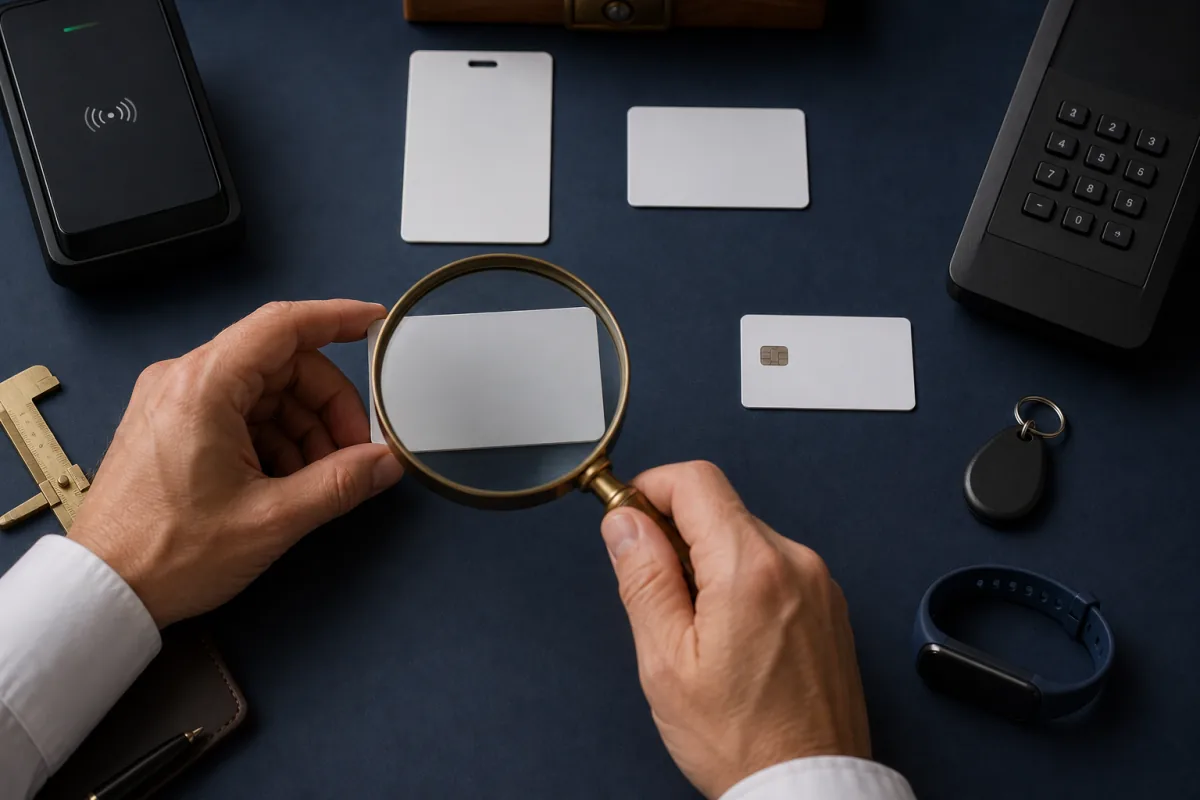
The fastest way to identify your format is to examine an existing working card. Look for:
- A printed manufacturer name, logo, or model reference — note whatever is printed, even if you do not recognize it; it points to the protocol family.
- A part number printed on the card body — many cards carry a manufacturer part number. Record it exactly; it maps to a specific format.
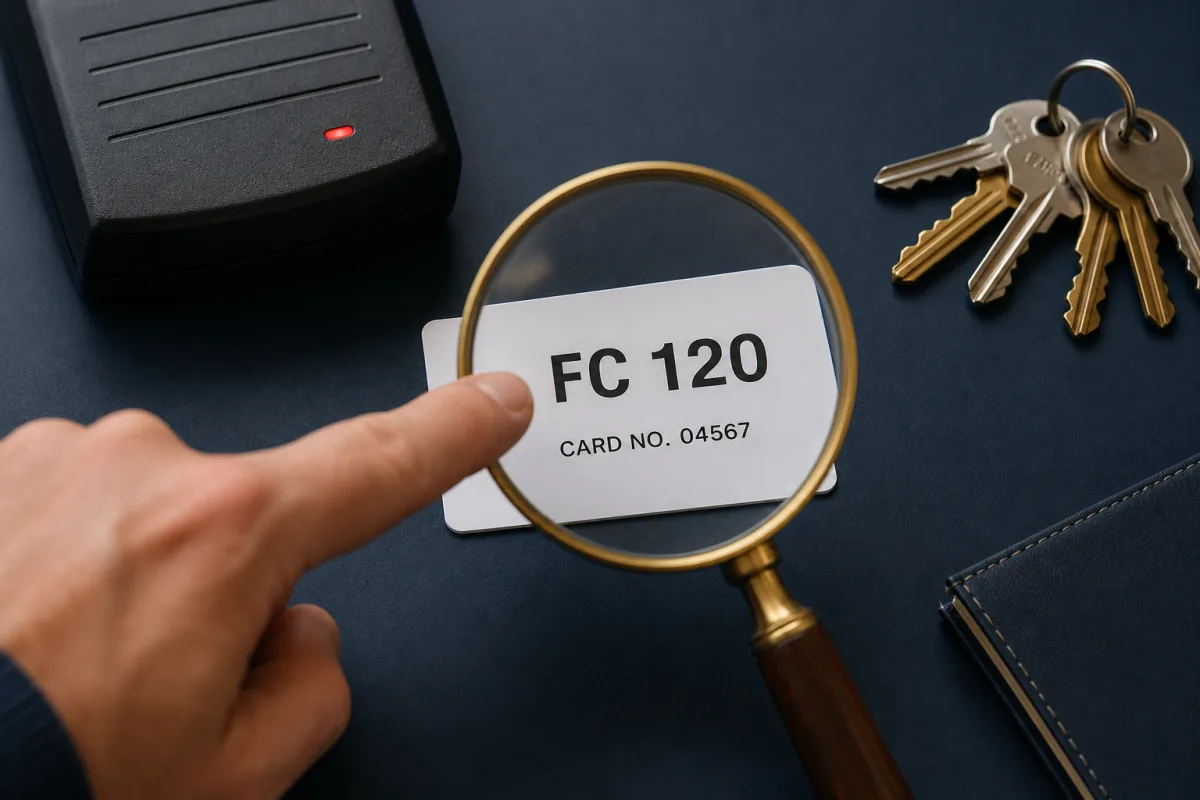
- A printed facility code and card number — many cards print these on a label, often formatted as “FC: 123 / CN: 4567” or as a barcode with the numbers below.
If you have a card in hand but cannot read the numbers, bring it to your property manager or building security office. They will have the original installer documentation with the format specified.
Step 2: Check the Reader on the Wall
If you have no working card, look at the reader — the device mounted beside the door where you present the card. The reader housing almost always carries a manufacturer name or logo, and there is usually a model-number sticker on the back or bottom.
| What you see on the reader | What it tells you |
|---|---|
| A manufacturer name or logo | Narrows the protocol family — note it exactly |
| A model number on the housing or rear label | The single most useful clue; the model number identifies the exact format |
| A low-frequency (125 kHz) proximity reader | Most likely a proximity format — standard 26-bit or a proprietary-air-interface variant |
| A 13.56 MHz smart-card reader | A contactless smart card platform; may be an open or an encrypted (AES) format |
| No visible branding at all | Common on budget standalone controllers — often a basic 125 kHz or entry-level smart card platform |
Send us the model number or a photo and we can identify the format from that alone.
Step 3: Check Your Access Control Panel or Software
If you have access to the access control software or panel, it will often display the format name or bit length in the reader configuration screen. Look for a field labeled with the format or bit length — for example 26-bit Wiegand, a specific format code, or a named proprietary mode. The reader type set for each door tells you which protocol that door expects.
Your installer or the service company that manages the system can retrieve this information without physically accessing the panel — it is a standard configuration question.
Step 4: Contact Your Property Manager or Installer
If you manage a property or work in a building you do not own, the property manager or building security team will have the original installer documentation on file. This document lists:
- Reader make and model
- Card format and facility code
- Card number ranges in use
Ask specifically for the “credential format” and “facility code.” With those two pieces of information, you can place an order with American Key Cards for compatible programmed replacement cards.
The Most Common Formats in North America
Standard 26-Bit (H10301)
The most widely deployed access format on the continent. Operates at 125 kHz and uses the H10301 bit structure: 1 even parity bit + 8-bit facility code (0–255) + 16-bit card number (0–65,535) + 1 odd parity bit. These cards are cloneable with standard tools since they carry no encryption. American Key Cards supplies compatible H10301 26-bit clamshell cards and key fobs programmed to your facility code — browse compatible 125 kHz cards.
Proprietary-Air-Interface 125 kHz Formats
Several widely used 125 kHz formats also output 26-bit Wiegand H10301 data to the panel — but the card-to-reader encoding is a proprietary air interface. A card built for the common ASK/FSK proximity protocol placed on one of these readers will not read, even though both run at 125 kHz and both send 26-bit Wiegand data downstream. This is the single most common ordering mistake. Some of these formats add an extended code space or an extra family-code parameter, but none add cryptographic protection — they remain cloneable. American Key Cards supplies compatible cards and fobs for the open ones; we just need the exact protocol, which your reader model number tells us.
PSK-Modulated 125 kHz Formats
Another family of 125 kHz formats uses PSK (Phase Shift Keying) modulation — fundamentally different from ASK/FSK. A reader expecting an ASK/FSK proximity card will not read a PSK card, and vice versa, even though both run at 125 kHz. Standard PSK proximity cards are cloneable; site-specific encrypted PSK variants are not. American Key Cards supplies compatible PSK-format cards and fobs wherever the format is open.
Formats That Cannot Be Reproduced (Read This Before Ordering)
Some access card formats use AES cryptographic authentication between card and reader. The credential data is bound to the specific chip with a diversified session key. No third-party supplier — American Key Cards included — can produce functional replacements for these formats. Attempting to clone them with consumer RFID tools will not produce a working card.
Cannot be reproduced:
- Encrypted 13.56 MHz smart cards — AES-128 with a secure, digitally signed identity container. Replacements require the issuer’s authorized issuance platform.
- The highest-assurance 13.56 MHz smart cards — a Common Criteria EAL5+ secure element with AES-128. No third-party supply path exists.
- Encrypted 13.56 MHz smart cards with AES application keys — application-layer AES encryption makes card data unextractable without the operator’s key material.
- Secure 13.56 MHz smart cards at their highest security level — AES-encrypted sectors inaccessible without the diversified keys.
- Site-specific encrypted 125 kHz variants — the site key is held only by the original issuer.
If your reader is a 13.56 MHz smart-card reader showing an encrypted-platform indicator, or your card shows a chip label in that family, your cards must be ordered through the original authorized issuer. We will tell you this honestly rather than sell you a card that will not work.
What You Need to Place an Order
Once you have identified your format, you need two additional pieces of information to order from American Key Cards:
- Facility code (also called site code) — a number between 0 and 255 for standard 26-bit systems, or a format-specific value for extended formats. It is usually printed on your existing cards or in your installer’s documentation. If you cannot locate it, our guide on how to find your facility code covers four reliable methods.
- Card number range — the starting and ending card numbers you want programmed. These are also on your existing cards or available from the system administrator.
With format, facility code, and card number range confirmed, ordering is straightforward. We program each card or fob to your exact specification, compatible by specification with your installed readers — not affiliated with the original equipment manufacturer.
When You Are Truly Unsure
If you have gone through the steps above and still cannot determine your format, contact American Key Cards with whatever information you have: a photo of the reader, a photo of an existing card, your city and building type, and the software platform if you know it. We identify formats for customers regularly and can usually narrow it down from a reader model number or card photo alone. Getting the format right before you order means no wasted cards and no returned shipments.
The how-it-works page also walks through the full ordering process, from format identification through programming and shipping.
Frequently asked questions
How do I know what kind of access card my building uses?
Start by looking at the card itself for any printed part number or facility code, then check the reader housing for a model number. Common cards carry a printed part number and often a facility code and card number. If neither the card nor the reader is labeled, consult your property manager's original installer documentation — it will list the reader make and model, which identifies the format.
Can I substitute one 125 kHz card for another if they are both 26-bit?
No. Even when two cards both transmit 26-bit Wiegand data to the access panel, the air-interface encoding between card and reader can be completely different. A card built for one protocol will not be recognized by a reader expecting another, even at the same 125 kHz frequency. You must use a card that matches your reader's specific protocol.
Which 125 kHz formats can American Key Cards reproduce?
American Key Cards supplies compatible cards for the common open 125 kHz proximity formats — the standard 26-bit format (H10301), the 37-bit H10302 format, and the proprietary-air-interface and PSK-modulated 125 kHz variants — each programmed to your facility code and card number range.
Are encrypted 13.56 MHz smart cards identifiable the same way?
The identification process is similar — look for the reader model number and any chip label on the card — but the outcome is different. Encrypted 13.56 MHz smart cards use AES authentication and cannot be reproduced by any third-party supplier. If your system uses one of these, replacements must come through the original issuer's authorized channel.