
Guides & Resources
The access-card knowledge base
Plain-English guides to every lock format we support — how to identify your card, which OEM part numbers we match, what can (and can't) be cloned, and how to order the right compatible credential.
DSX WinDSX D10202 33-Bit Cards: A Reorder Checklist
D10202 is a 33-bit credential format associated with DSX. Confirm the actual reader technology, format and approved numbering before reordering for WinDSX.
Can HID® Prox Cards Be Cloned? Security and Safe Replacement
Legacy HID Prox credentials have duplication risks. Learn how to replace a lost badge safely and what to check when moving to a stronger credential system.
HID® iCLASS® SE™ vs Seos®: What to Check Before Upgrading
Understand iCLASS SE, Seos and reader configuration before ordering credentials. Compare the platform, migration settings and authorized issuance requirements.
Indala® 27-Bit Cards: Identify the Format Before Reordering
A 27-bit label is not a complete Indala card specification. Check the reader, exact format identifier, site configuration and enrollment before a replacement order.
Kastle Access Cards: Replacement and Building Approval
Need a replacement Kastle access card? Start with building management, confirm enrollment authority and verify any proposed alternative before buying.
Paradox C704 Fobs: Identification and Replacement Checks
Identify a Paradox C704 proximity tag and gather the reader and enrollment details needed for a replacement. A blue fob or alarm-panel name is not enough.
Verkada Access Cards: Reader Compatibility and Enrollment
Check supported card technology, reader hardware and enrollment before ordering for a Verkada system. Controller support does not guarantee reader compatibility.
Secura Key Radio Key Cards: Match the Reader and Part Number
Check Radio Key reader models and the difference between -01 and -02 credentials. RK600 and RK65K orders need the correct numbering and enrollment specification.
What Is Wiegand 26-Bit? The Universal Access Card Format Explained
Wiegand 26-bit (H10301) is North America's most common access card format. Learn how facility codes, card numbers, and bit structure work — and where to get compatible cards.
Non-OEM vs. OEM Proximity Cards: Is Compatible the Same as Genuine?
Compatible access cards are programmed to the same specification as OEM cards — same facility code, same format, same read range. Here's what 'compatible' actually means and what you give up.
Hospital and Healthcare Facility Access Card Guide
Healthcare facility managers: identify your access card format—26-bit proximity, extended 125 kHz, 34-bit, or encrypted smart card—and order compatible replacements. No OEM dealer account required.
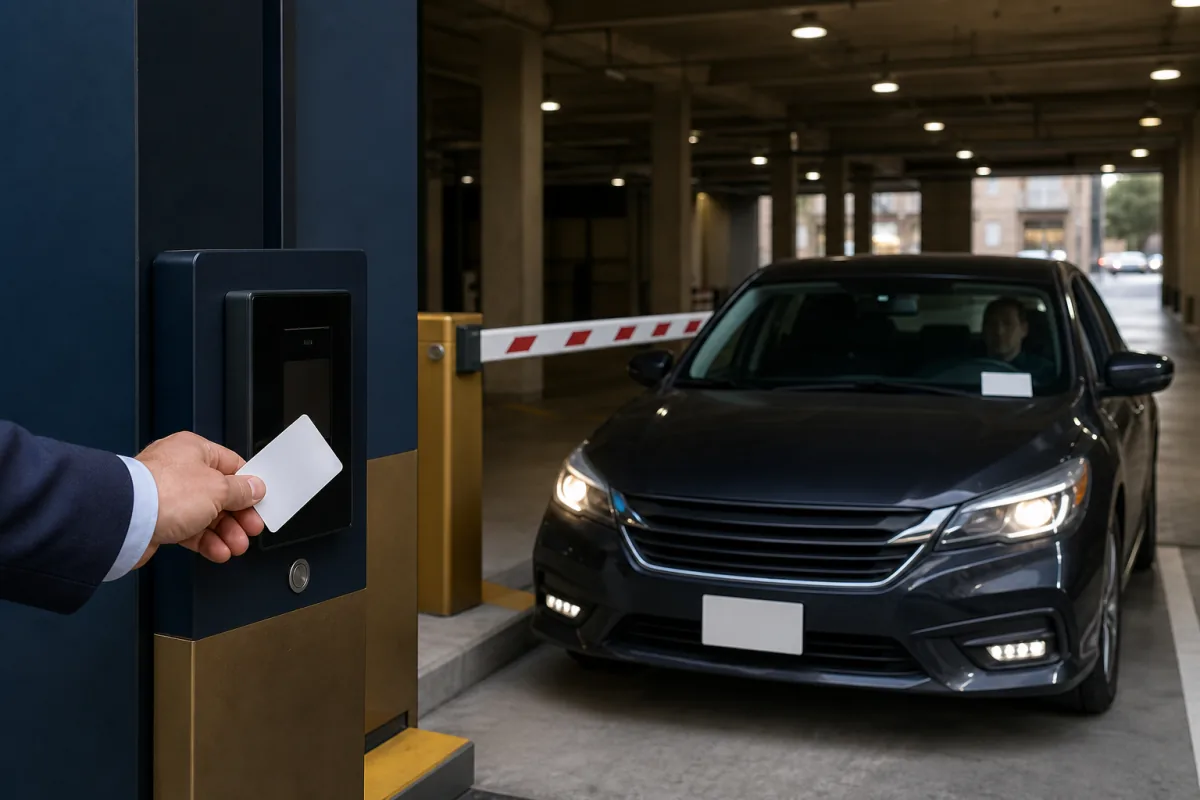
Parking Garage Access Card & Fob Replacement Guide
Parking systems run on 125 kHz proximity and smart card formats. Identify your format and order compatible cards and fobs fast—no dealer account required.

Office Building Access Card Replacement: Compatible by Format
Replace office access cards without a dealer account. Standard 26-bit, extended, and smart-card formats — programmed to your facility code, shipped direct.

School and University Access Card Replacement Guide
Replace 125 kHz proximity and 13.56 MHz smart card campus credentials without an OEM dealer. Compatible cards programmed to your facility code, shipped direct.
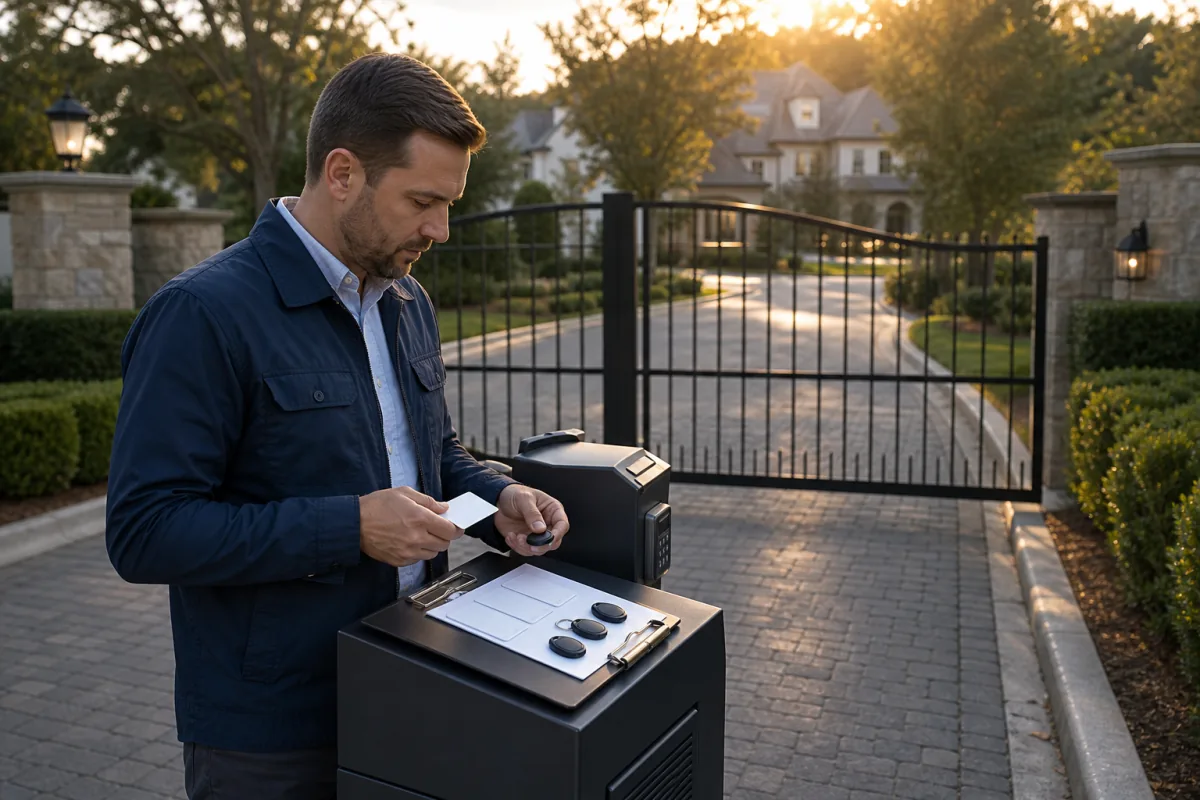
HOA Gate Access Card Replacement Guide
Most HOA gate systems use standard 125 kHz proximity credentials — available without a dealer account. Here's how to reorder cards and fobs direct.
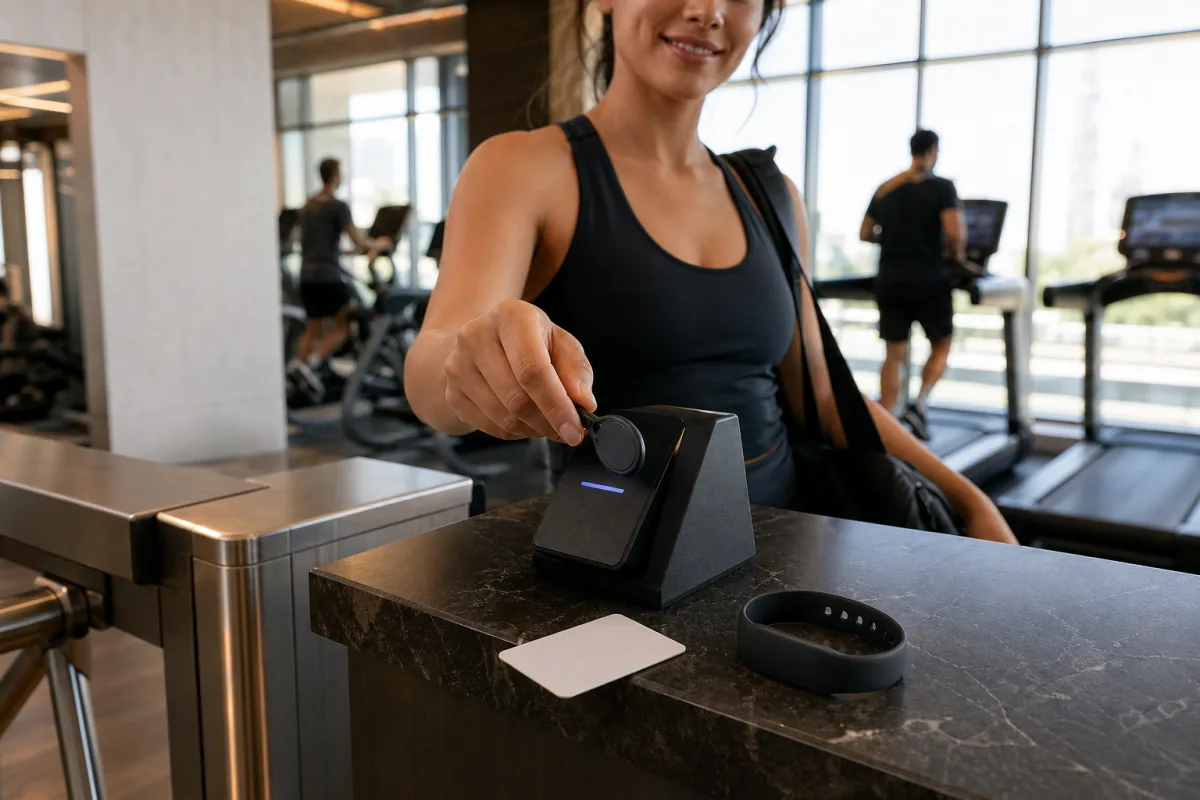
Gym Access Card Replacement: A Fitness Center Buyer's Guide
Gyms burn through access cards constantly. Learn which formats fitness centers use—26-bit proximity, EM4100, 13.56 MHz smart cards—and how to order compatible replacements fast.
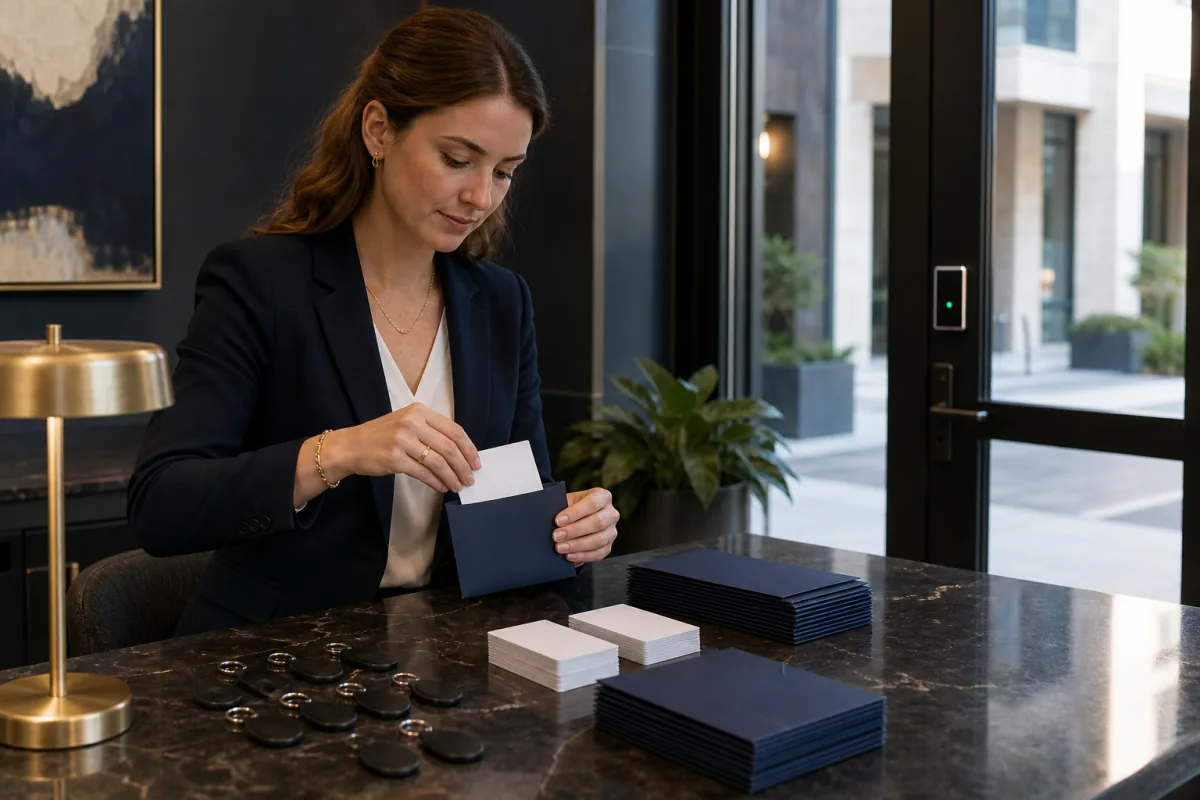
Apartment Complex Access Card Replacement Guide
Property managers: replace lost apartment access cards and fobs without a dealer account. Order compatible cards programmed to your facility code, shipped direct.
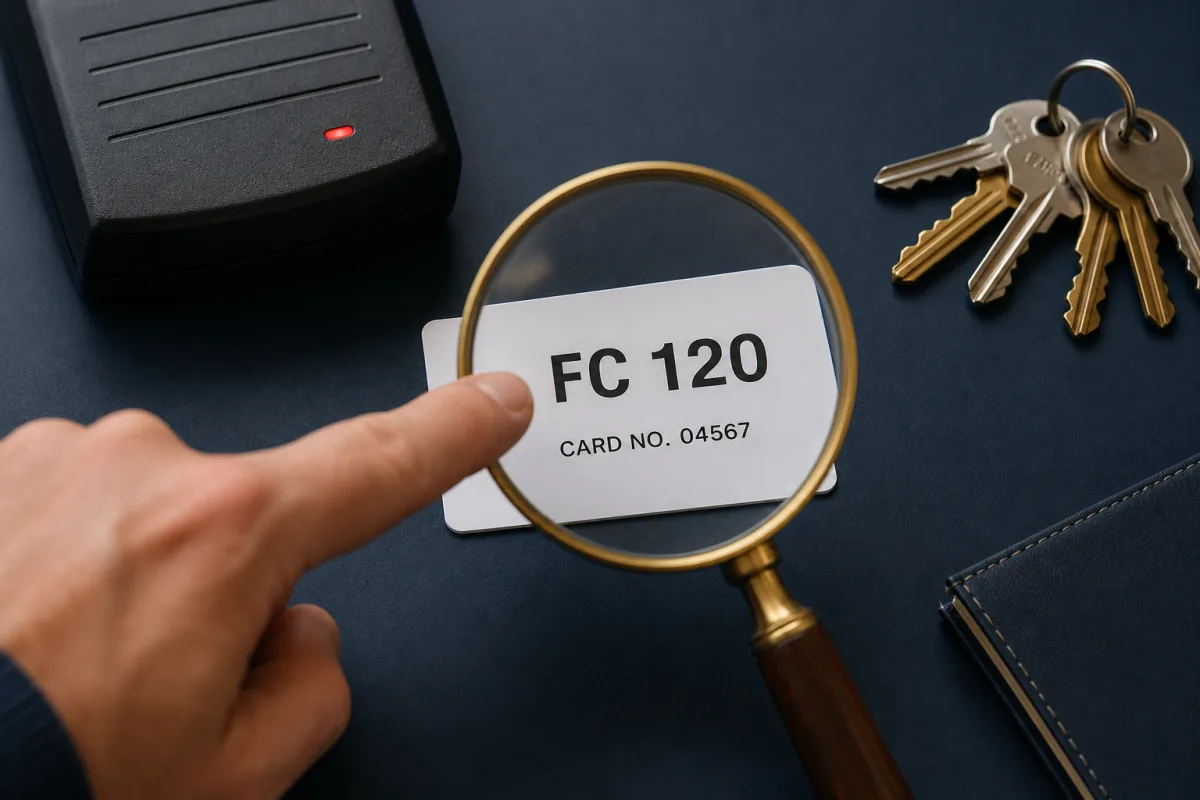
How to Find Your Facility Code for Proximity Card Orders
Every proximity card order needs a facility code. Find yours from the card label, the access panel, your installer's records, or by reading an existing card.
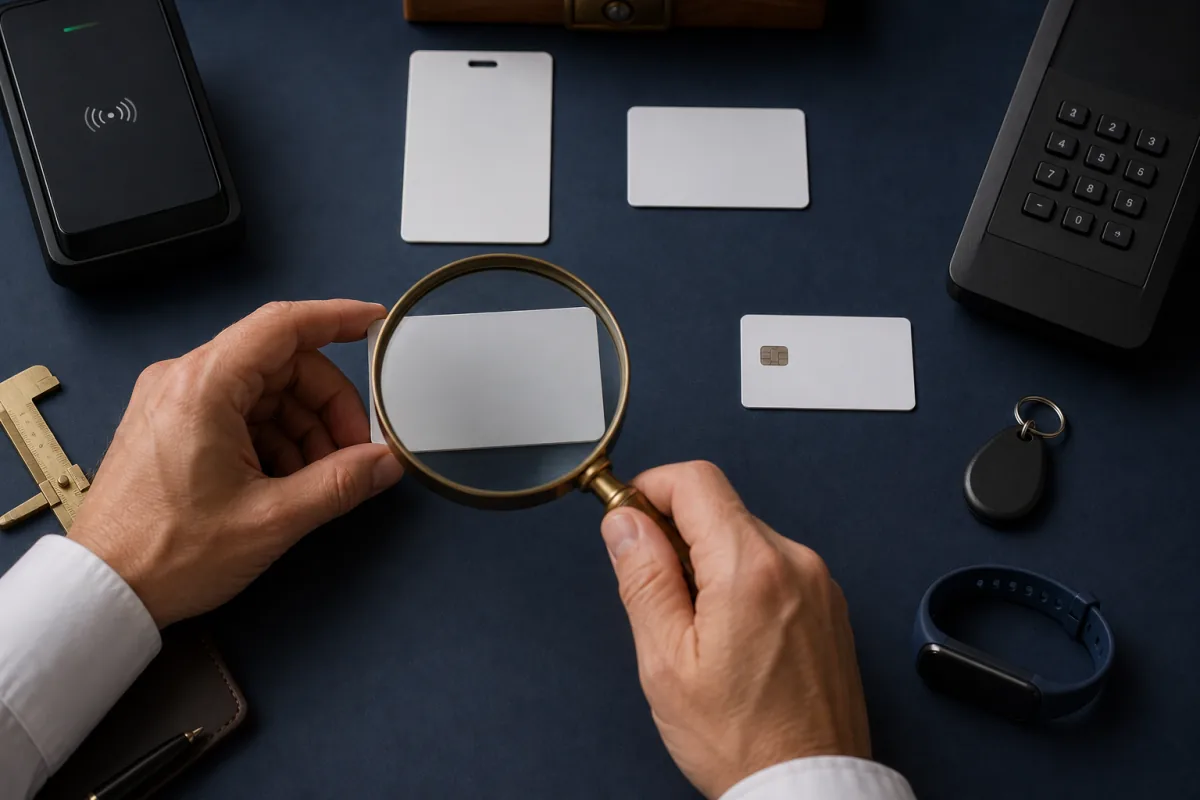
How to Identify Your Access Card Format Before You Reorder
Not sure what access card your building uses? Learn to identify your 125 kHz proximity or 13.56 MHz smart card format from the card, the reader, and your software before ordering replacements.
Not sure which format you have?
Send us the numbers printed on your card — we'll identify the format and quote a compatible card, usually within one business day.
Lifetime parts & workmanship guarantee on every card